I’m Feeling Doodly: How to Play Google Doodle Games & Easter Egg Guide
If you have ever hovered your mouse over the “I’m Feeling Lucky” button on Google’s homepage with an empty search bar, you might have noticed the text spinning like a slot machine to reveal hidden moods. One of the most popular Easter eggs is “I’m Feeling Doodly” (often typed as im feeling doodly). But what does clicking it actually do, and how can you use it to access playable games and past artwork?
When you click I’m feeling doodly, Google bypasses traditional search results and redirects you directly to the official Google Doodles Archive. Here, you can browse, interact with, and play thousands of historic, artistic, and interactive Doodles released since 1998.
What Is the “I’m Feeling Doodly” Button on Google?
The I’m Feeling Doodly button is an interactive Easter egg built directly into the Google Search homepage. While the standard “I’m Feeling Lucky” button automatically takes you to the #1 organic ranking result for a typed query, leaving the search box empty and hovering over the button causes it to cycle through various emotions and interests, including:
- I’m Feeling Doodly: Opens a random Doodle or the comprehensive Google Doodles archive.
- I’m Feeling Playful: Directs you immediately to an interactive game or mini-challenge.
- I’m Feeling Artistic: Transports you to cultural collections on the Google Arts & Culture platform.
- I’m Feeling Hungry / Trendy / Stellar: Directs you to local food spots, Google Trends, or astronomical maps.
Whether you spell it im feeling doodley, im feeling doodely, or simply say i feel doodly, the feature remains one of Google’s most charming ways to celebrate worldwide culture, milestone achievements, and creative play.
How to Trigger the “I’m Feeling Doodly” Feature Step-by-Step
Want to test it out yourself? Follow these simple steps on your desktop or mobile browser:
- Navigate to the main Google homepage (
google.com). - Make sure the search input box is completely blank.
- Hover your cursor over the “I’m Feeling Lucky” button underneath the search box.
- Watch the text spin until it lands on “I’m Feeling Doodly”.
- Click the button. You will instantly land in Google’s interactive Doodle vault, where you can sort by year, country, or game type.
Top “I’m Feeling Doodly Games” You Can Play for Free
While many daily Doodles are static illustrations or short animations, some of the most celebrated releases are full-featured mini-games. When searching for i’m feeling doodly games, these are the standout classics worth revisiting in the archive:
1. Pac-Man (30th Anniversary)
Released in 2010 to mark Pac-Man’s 30th birthday, this was Google’s very first playable interactive Doodle. It features a complete, fully functioning recreation of the arcade maze shaped around the Google logo—complete with authentic ghost AI, sound effects, and two-player capability.
2. Magic Cat Academy (Halloween 2016 & 2020)
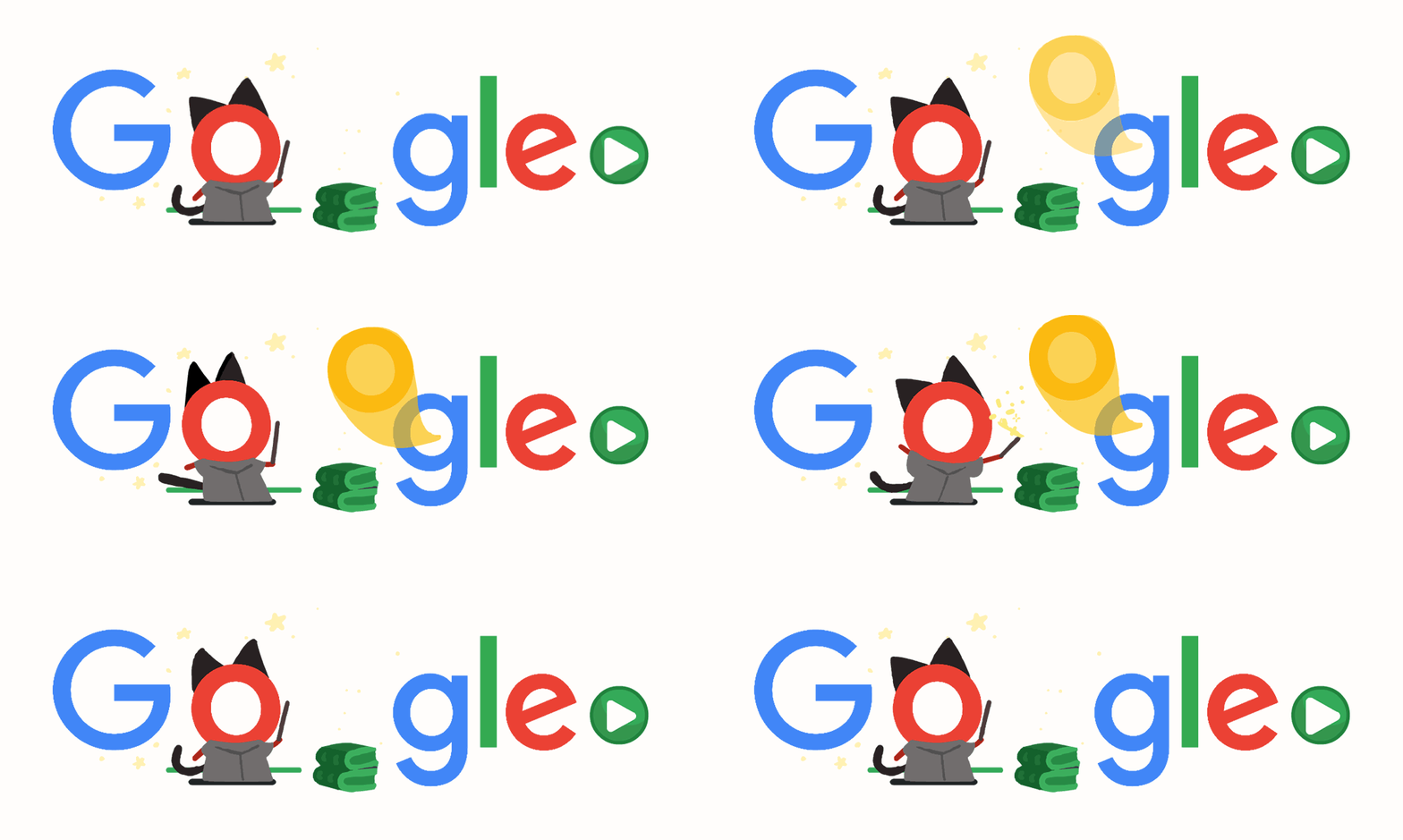
One of the most viral browser games ever made by Google, Magic Cat Academy puts you in control of Momo, a magical freshman cat at a wizard school. Players must swipe or draw symbols in the air using their mouse or touchscreen to defeat incoming ghosts.
3. Champion Island Games (Tokyo Olympics)
Arguably the largest Doodle game ever built, Champion Island is a full 16-bit retro RPG featuring seven sports mini-games (skateboarding, table tennis, archery, rugby, and climbing), side quests, and dozens of characters inspired by Japanese folklore.
4. Cricket (ICC Champions Trophy)
A lightweight, fast-loading cricket mini-game where you play as crickets against a team of snails. Its simple one-click batting mechanics make it one of the most replayable casual games on the web.
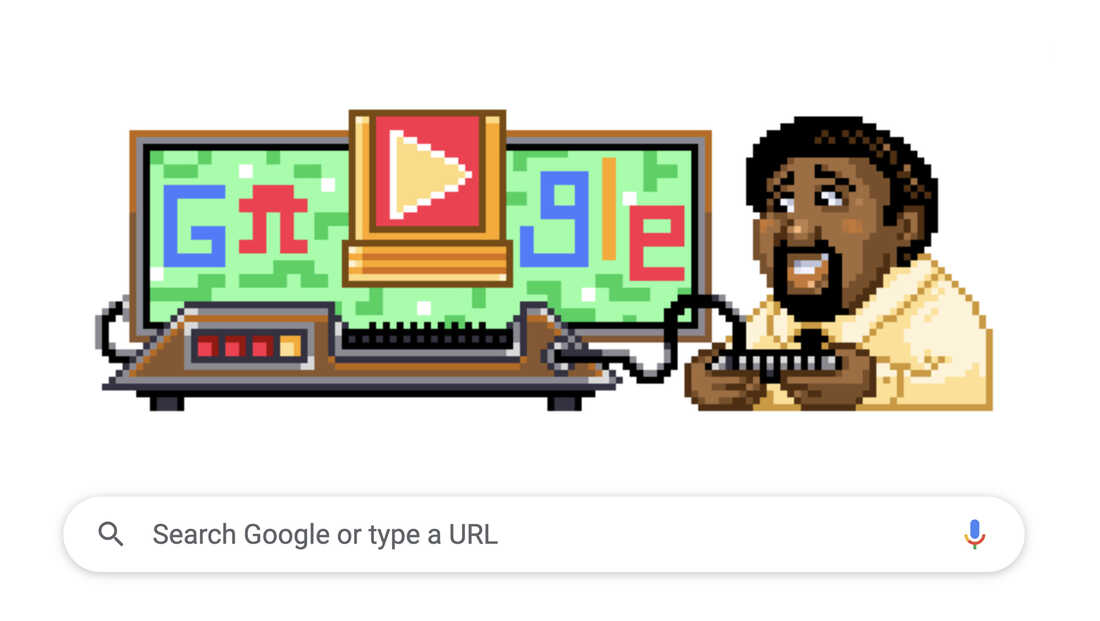
5. Jerry Lawson Video Game Cartridge Creator
Honoring video game pioneer Jerry Lawson, this Doodle allows players to edit, customize, and build their own retro pixel-art platformer levels directly in the browser.
The Evolution: From Burning Man Stick Figure to Global Phenomenon
The concept of Google Doodles dates back to August 1998, when co-founders Larry Page and Sergey Brin placed a stick figure behind the second “o” in Google to let users know they were out of office attending the Burning Man festival in Nevada. What began as a playful internal joke soon transformed into an institutional tradition.
By 2000, Google appointed Dennis Hwang to design a doodle for Bastille Day. Its overwhelming popularity led to regular features, and today an entire internal department—comprising professional illustrators, animators, and software engineers known as “Doodlers”—produces hundreds of unique regional and global celebrations every year.
Frequently Asked Questions (FAQs)
What does “I’m Feeling Doodly” mean on Google?
“I’m Feeling Doodly” is a rotating variant of the classic “I’m Feeling Lucky” button. When clicked, it takes users straight to the Google Doodles Archive page (google.com/doodles), where past and present Doodles, interactive games, and cultural tributes are cataloged.
Can you play “I’m Feeling Doodly” games on mobile phones?
Yes. While the hover-over spinning animation is primarily designed for desktop browsers with a mouse, mobile users can access all interactive Google Doodle games simply by navigating to the Google Doodle Archive directly via their mobile web browser.
Why does my “I’m Feeling Lucky” button not show “I’m Feeling Doodly”?
The rotating mood text typically appears only when your search box is completely empty and your cursor hovers over the button. Additionally, the rotating Easter egg feature is primarily enabled on standard desktop editions of the Google English interface.
Are past Google Doodle games saved permanently?
Yes. Every Doodle ever published—including interactive multiplayer games, musical synthesizers (such as the Bob Moog synthesizer doodle), and coding puzzles—remains archived and free to play at google.com/doodles.
Can anyone submit an idea for a Google Doodle?
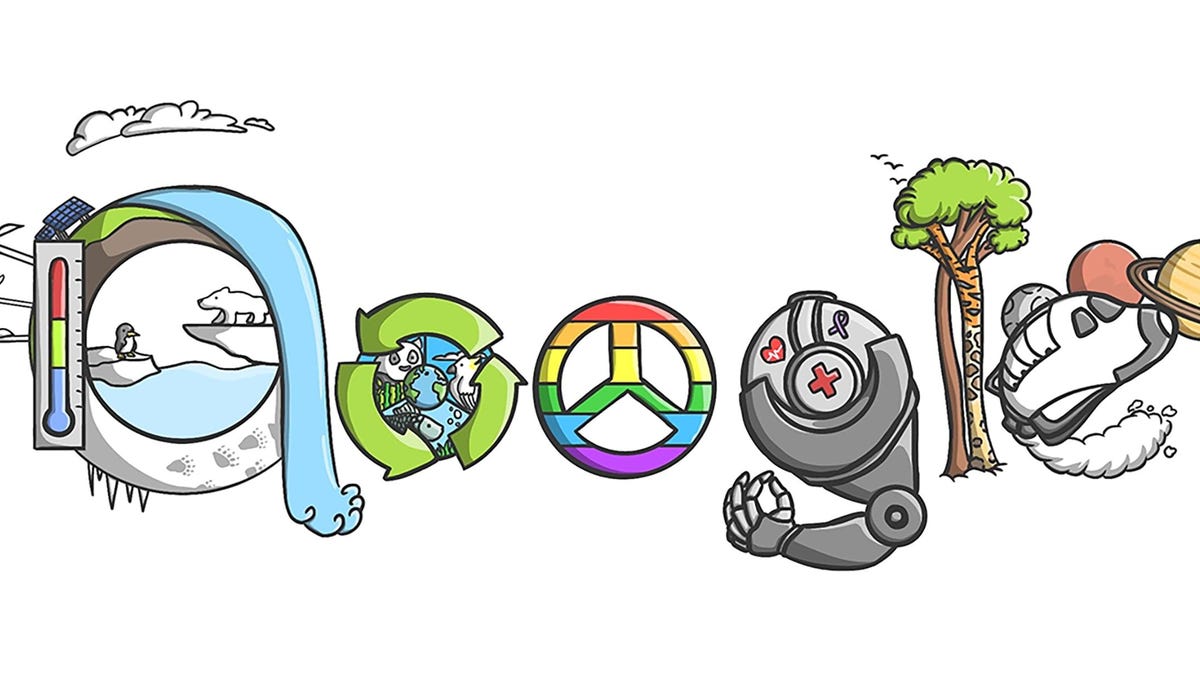
Yes. Google accepts ideas from the public via email at doodleproposals@google.com. In addition, K-12 students in participating countries can enter the annual “Doodle for Google” contest for a chance to see their artwork displayed on Google’s homepage alongside scholarship prizes.
Final Thoughts
Whether you stumbled upon the phrase by accident or specifically set out because you feel doodly, Google’s interactive Doodles provide a rare blend of nostalgia, education, and lighthearted gaming. Bookmark the Google Doodles library next time you need a quick study break or want to test your reflexes on classic mini-games.